
How to Fix a Ceiling Fan
Did you know that all Hunter brand fans are designed to be noise- and wobble-free? We make our fans efficient and hassle-free for maximum convenience. That said, if you’re experiencing these particular issues with a Hunter fan, this is commonly due to an error in the ceiling fan installation process. In that case, you can use this ceiling fan troubleshooting guide to help find the source of the above-mentioned issues and other common ceiling fan repair problems.
| Problem | What to Check First | Possible Fix |
|---|---|---|
| Fan won’t turn on | Breaker, wall switch, remote batteries, wiring connection | Reset the breaker, test the wall switch, replace remote batteries, or inspect wiring with power off |
| Fan wobbles | Blade screws, mounting bracket, blade alignment, blade balance | Tighten screws, confirm the fan is securely mounted, and use a blade balancing kit |
| Fan hums, buzzes, or clicks | Loose parts, light kit, wall control, dimmer switch compatibility | Tighten loose components and make sure the fan is not connected to an incompatible dimmer switch |
| Fan has power, but blades won’t spin | Wiring harness, capacitor, receiver, internal controls | Confirm the fan has power, then check the manual or contact Hunter support for the correct replacement part |
| Fan spins slowly or only works on one speed | Remote, wall control, reverse switch, capacitor | Check the remote, make sure the reverse switch is fully engaged, and inspect speed control components |
| Fan light doesn’t work | Bulb, wattage, socket, light kit wiring | Replace the bulb with the correct wattage and check for visible socket damage or loose connections |
| Remote doesn’t work | Batteries, pairing, receiver, fan power | Replace the batteries, re-pair the remote, and confirm the fan is receiving power |
| Fan direction won’t change | Direction switch, remote settings, receiver, wiring harness | Turn the fan off, let the blades stop completely, then check the direction switch or remote settings |
This information should only be used as supplemental material to the model-specific fan manual included with your purchase of a Hunter ceiling fan. If your manual has been misplaced, you can easily find and download the model-specific manual for your Hunter fan.
If your ceiling fan is not a Hunter, you may still be able to identify the cause of your issue with these helpful tips. You should always confirm any steps to resolve the problem with the manufacturer of the specific product. We want to help you learn how to fix a ceiling fan when it’s possible, but we’ve got a great selection of ceiling fans for replacement, if necessary.
Explore the following topics around common ceiling fan issues to find potential solutions.
Table of Contents
- 1. What to do if you have a wobbly ceiling fan
- 2. What to do if your ceiling fan is noisy or humming
- 3. Why did my ceiling fan stop working?
- 4. What to do if the fan motor has power but the blades won’t spin
- 5. How to fix the light on a ceiling fan
- 6. How to fix a ceiling fan remote
- 7. What to do if the fan speed control isn’t working
- 8. What to do when the ceiling fan direction won’t change
Before troubleshooting your ceiling fan:
- Turn the fan off.
- Turn off power at the breaker before inspecting wiring.
- Use the model-specific manual when available.
- Call a licensed electrician if you find loose wiring, burn marks, no power at the switch, or you are uncomfortable working with electrical components.
Hunter Ceiling Fan Troubleshooting
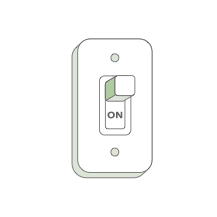
Make sure the power switch is on.
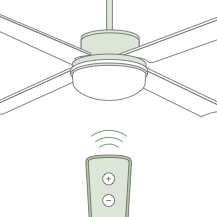
Pull the pull chain to make sure it is on. If your fan is remote control operated, push the control’s “on” button to ensure it is on.
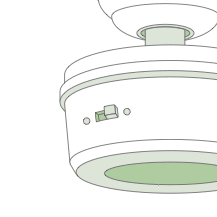
Push the motor reversing switch firmly left or right to ensure that it is engaged.
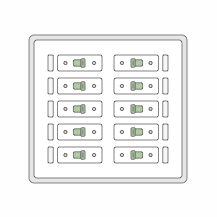
Check the circuit breaker to ensure the power is turned on.
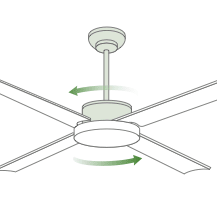
Make sure the blades spin freely by hand.
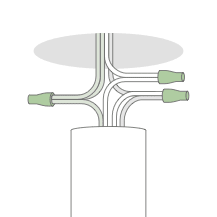
Turn off power from the circuit breaker, then loosen the canopy and check all the connections according to the wiring diagram in your owner's manual.
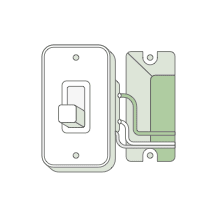
Check the plug connection in the switch housing and make sure all terminals are firmly seated in the plug.
If you have the product manual that came with your fan, refer to the troubleshooting section for model-specific directions. If you have a Hunter fan but can’t locate your original manual, find a digital copy for your fan model.
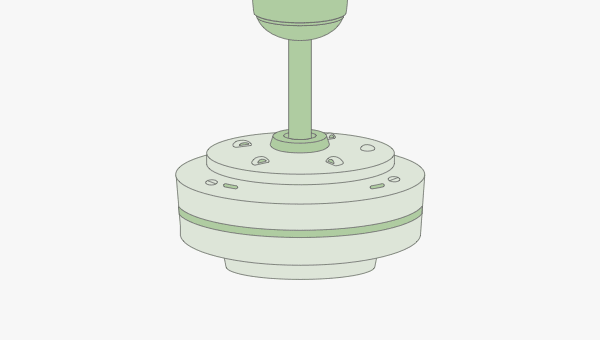
How to fix ceiling fan motors
The motor is like the heart of the ceiling fan. It needs to be working properly for the fan to run smoothly. If your ceiling fan doesn’t work, use these troubleshooting tips to find and fix the problem - whether it's a minor wiring issue or a more involved ceiling fan repair need. We should note that in true cases of motor failure, the fan will most often need to be replaced.
If you’re unfamiliar with wiring, contact a certified, professional electrician to examine your fan motor, switch wiring and connections.
Identifying ceiling fan motor issues
While it may seem like the fan motor isn’t working, the motor might not be the problem at all. You could have an issue with the circuit breaker or the switch. Start by testing out the wall switch.
01. Test the circuit breaker first by flipping it off and then back on at the electrical box before testing your ceiling fan. If it still isn’t working, move onto the wall switch that’s used to operate the fan and try flipping it off and on.
02. Turn off the circuit breaker at the panel again, then remove the switch cover plate from the wall. Using a voltage tester, check the switch terminals to make sure they’re not electrically charged. At this point, you can look for any loose wires.
03. Using a voltage tester, if you determine that the switch terminal does not have power when the breaker is on you should call a certified, professional electrician.
If you determine that your wall switch is not the source of the problem, you can then move on to examining the ceiling fan. Make sure the power to the fan is turned off at the circuit breaker and wall switch before starting.
04. Take the canopy cover off the fan so you can see the fan’s wiring.
05. Look for any loose wires.
06. Test whether the fan wires are getting power with a circuit tester. If it’s not getting power, you’ll likely need to repair or replace any damaged wiring that connects to the switch or power source. You should contact a licensed electrician for these repairs.
07. Lastly, if you have a low-profile fan, you’ll want to make sure there isn’t any wiring that’s touching the motor housing as this could cause a short in the motor lead wire. In this case, adjust the wires to ensure they are securely tucked inside the mounting bracket frame, making sure to not loosen the wire nuts.
Turn the power to the fan back on and test your fan again. If it still doesn’t work, a replacement may be needed, especially if you have an older fan.
Always contact a certified, professional electrician if you don’t feel comfortable working with wiring on your own. For Hunter ceiling fans, our support team can help you with that.
Motor replacement
How you replace a motor depends on your fan brand and model. Hunter ceiling fan motors come with a lifetime warranty. Should your motor fail on your Hunter fan, your ceiling fan will need to be replaced. It’s important to make sure that your fan is registered to facilitate the replacement process.
04.
What to do if the fan motor has power but the blades won’t spin
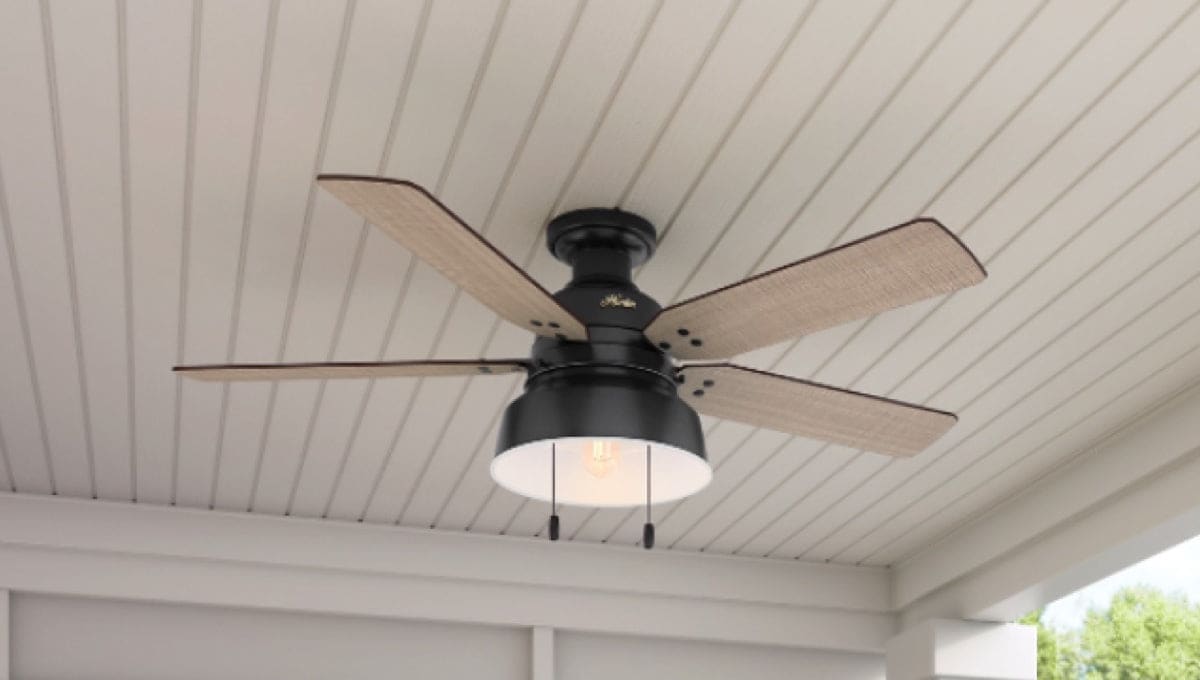
If you can tell the fan is getting power because the motor is charged and the lights turn on, but the blades won’t spin, the issue may be related to the wiring harness, capacitor, remote receiver, or internal fan controls. These are the service parts you may acquire online at HunterFan.com or by contacting our customer service team. Note that you will need to know the model number of your Hunter ceiling fan.
05.
How to fix the light on a ceiling fan
If the fan works but the light does not, the issue may be a burned-out bulb, incorrect bulb wattage, loose wiring, or a problem with the light kit. Start by replacing the bulb with the correct type and wattage, then check for visible socket damage or loose connections with the power turned off.
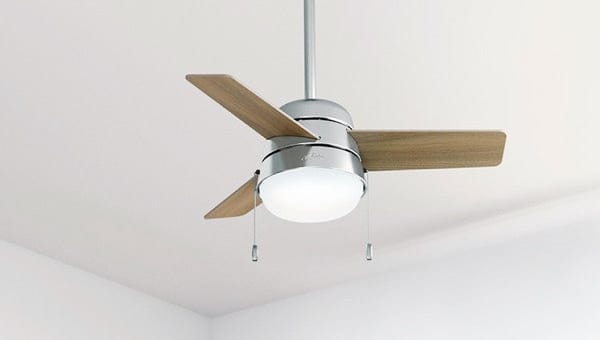
01. If your fan is operating but the lights won’t work, try replacing the bulb or bulbs first, but make sure they’re the correct wattage for the light kit.
02. If the lights still don’t turn on, look for burn marks in the bulb socket – this can indicate a problem with the wiring.
03. With the power supply turned off, examine the wires. Look in the canopy and switch housing to make sure all are properly capped with wire nuts.
Always contact a certified, professional electrician if you don’t feel comfortable working with wiring on your own.
06.
How to fix a ceiling fan remote
If your ceiling fan only runs on one speed or will not change speeds, the issue may be with the remote, wall control, reverse switch, capacitor, or wiring harness. Start by checking the remote, making sure the reverse switch is fully engaged, and confirming the fan is not connected to an incompatible speed control.
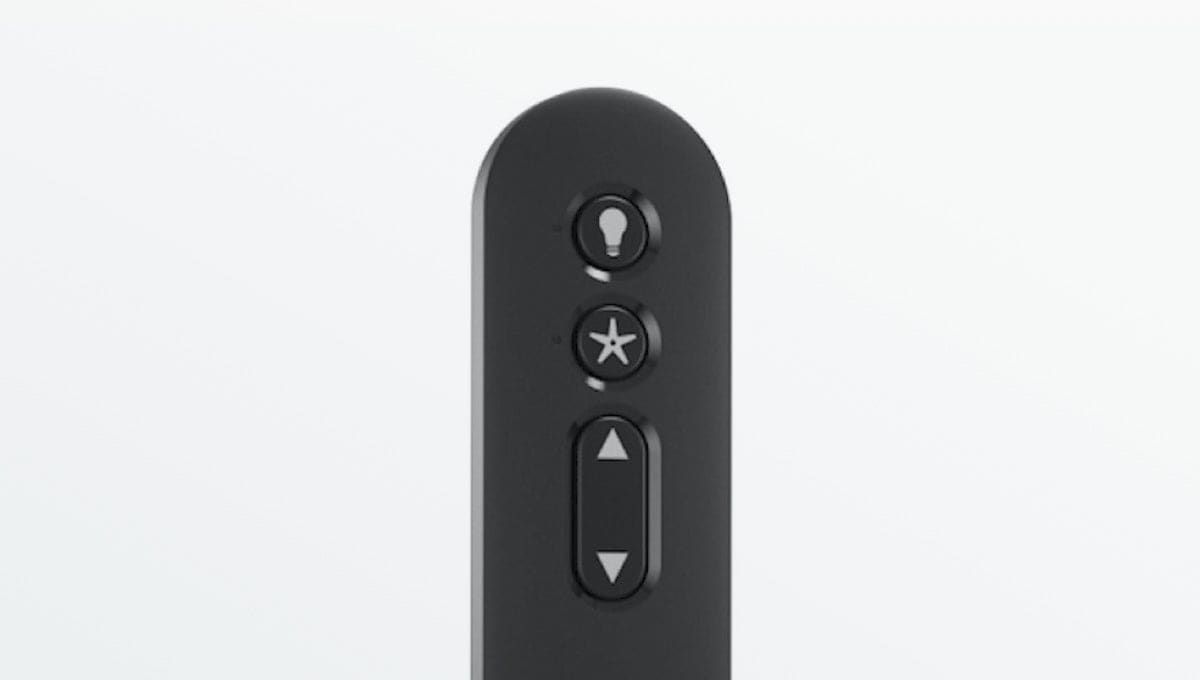
01. Put in fresh batteries and test the remote.
02. Make sure your remote has not come unpaired from the receiver. Each remote is different; so, you will need your operating manual for instructions on pairing your remote. Watch this video for details on pairing your Hunter remote.
03. If it still doesn’t work, you’ll need to find the remote receiver in your ceiling fan’s mounting bracket – but be sure to turn off the power to your fan at the circuit breaker first.
04. If your fan is a pull chain with an accessory remote installed, make sure your pull chain fan speed is set to high speed.
If you’re unsuccessful after trying these Hunter ceiling fan remote control troubleshooting methods, the remote and/or the receiver could need replacing. For Hunter ceiling fans, our support team can help. Make sure you know your model number when you reach out.
07.
What to do if the fan speed control isn’t working
If your ceiling fan only runs on one speed or will not change speeds, the issue may be with the remote, wall control, reverse switch, capacitor, or wiring harness. Start by checking the remote, making sure the reverse switch is fully engaged, and confirming the fan is not connected to an incompatible speed control.
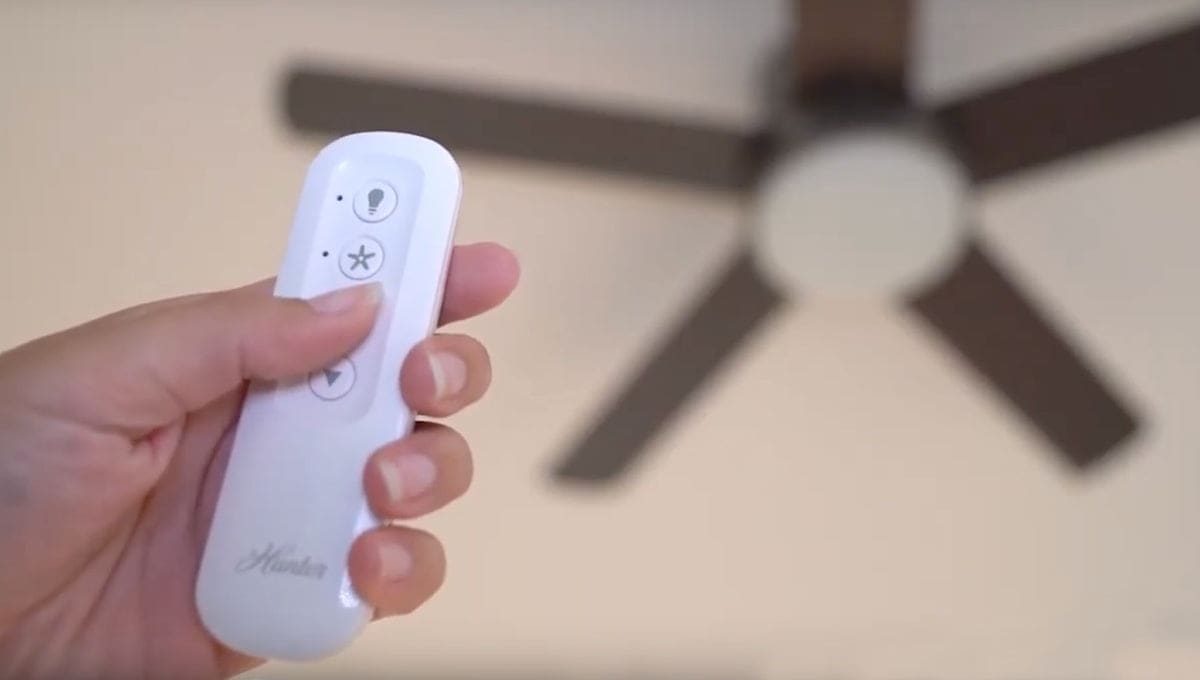
01. If there is a reverse switch on the fan, make sure the switch is all the way to one side or the other and not positioned in the middle.
02. If your fan has a remote control only, use steps listed in How to Fix a Ceiling Fan Remote to rule out an issue with your remote control. If there are no pull chains and your fan runs but does not change speeds, your remote control may need to be replaced. Our customer service team can help you with ordering a replacement.
03. Most ceiling fans use an electrical component called a capacitor to control distinct speed steps like high, medium, and low. When a capacitor goes bad, it can affect your ability to change the fan’s speed. If your fan runs on high speed but not one of the other speeds, then it is an indication that a capacitor has gone bad.
Our customer service team can help you order a replacement wiring harness for your ceiling fan to resolve this issue.
08.
What to do when the ceiling fan direction won’t reverse
At certain times of the year, with the changing weather, you may want to change the direction of your ceiling fan's rotation. If you have a reversible fan but can’t get the blades to reverse directions, turn the fan off and let it come to a stop. Locate the direction switch on the housing and flip it back and forth to ensure it is not in a neutral position. If the issue is not resolved, you may need to replace the wiring harness. For Hunter ceiling fans, our customer support team can help you navigate replacing your wiring harness.
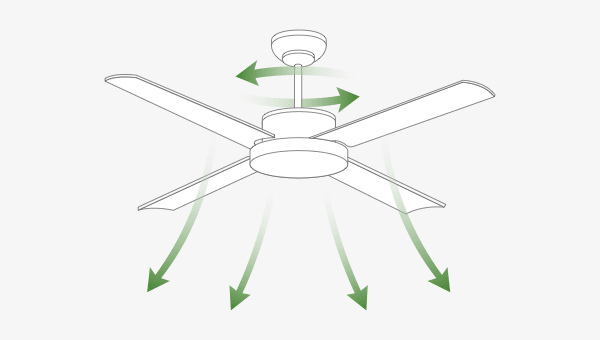
On the other hand, if you control the direction of your fan with a remote, it may not have a direction switch on the fan housing. In this case, your wiring harness may need to be replaced, and you should contact customer service.
When to Repair vs. Replace Your Ceiling Fan
After troubleshooting the most common ceiling fan problems, the next step is deciding whether the issue can be repaired or whether replacing the fan is the better option. Many issues, such as dead remote batteries, loose blade screws, wobbling, or speed control problems, can often be fixed. However, problems like a burned-out motor, cracked housing, or repeated electrical issues may mean it’s time to replace the fan.
| Issue | Usually Repairable? | Consider Replacement When |
|---|---|---|
| Loose blade screws | Yes | Rarely needed |
| Dead remote batteries | Yes | Remote/receiver repeatedly fails |
| Fan wobble | Yes | Fan is damaged or mounting is unsafe |
| Bad capacitor or wiring harness | Often | Parts are unavailable or fan is older |
| Burned motor smell | No / limited | Motor failure is likely |
| Cracked housing | No | Safety or structural issue |
| Repeated electrical issues | Sometimes | Electrician identifies unsafe components |
Addressing ceiling fan repair needs as they arise can help your fixture last for a long time. However, there comes a time that older fans reach end of life and need replacing. Hunter carries the best selection of replacement fans with a wobble- and noise-free guarantee when installed correctly. Explore all the fans, lighting, and accessories we have to offer at Hunter Fan Company.